You need a page for a launch, an event, a product drop or a new offer, and you need it this week. A full website feels like too much, and a single social bio link feels like too little. The good news: one LinkGenie page can be a landing page, a splash page, a micro site or a link in bio page, depending on how you build it.
This guide explains what each type of page is, how they differ, and how to build any of them with LinkGenie in minutes, without hiring a developer or learning a website builder.
What is a landing page?
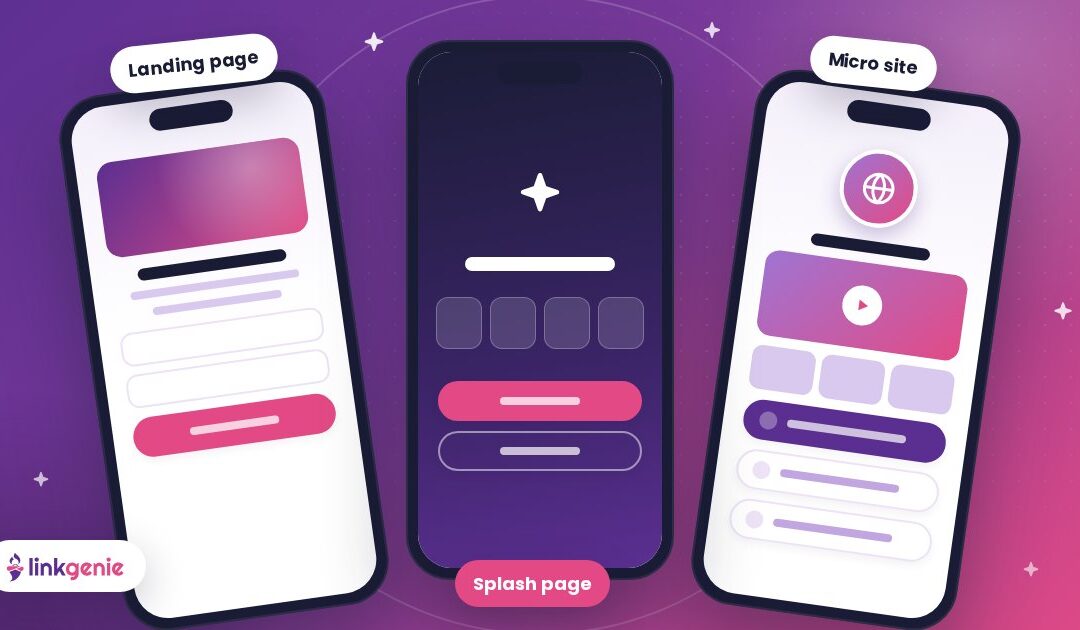
A landing page is a single web page built around one goal, such as signing up, booking, buying or downloading. Visitors usually arrive from an ad, an email, a QR code or a social post. Everything on the page, from the headline to the button, points them toward that one action, with as few distractions as possible.
Good landing pages are short, focused and fast on a phone. They have a clear headline, a short explanation of the offer, proof that it is worth it, and one obvious call to action.
What is a splash page?
A splash page is a simple introductory page that visitors see before they go further. It might announce something new, ask visitors to choose a path, confirm their age, or tease an upcoming launch. A splash page is usually brief and visual, with one or two clear choices rather than a full sales pitch.
Brands use splash pages for coming-soon announcements, event countdowns, seasonal promotions and "pick your region" or "pick your language" choices.
What is a micro site?
A micro site is a small, self-contained website for one brand, campaign, product, event or person, separate from a main website. It has its own look and often its own address. A micro site holds more than a landing page, such as videos, a gallery, FAQs and contact details, but far less than a full website.
Micro sites are popular for product launches, conferences, real estate listings, nonprofit campaigns, artist releases and personal brands. They let you tell a complete story in one place without touching your main site.
What is a bio link page (link in bio)?
A bio link page, also called a link in bio page, is a mobile-first page that collects all your important links, content and contact options behind one short link. You put that link in your Instagram, TikTok, YouTube or X bio, your email signature or a QR code, and visitors choose where to go next.
Bio link pages started as a fix for social platforms that allow only one link in a profile. Today they often act as a lightweight home base, with videos, music, forms, payments and a digital business card on the same page.
Landing page vs splash page vs micro site vs bio link page
All four are simple, focused web pages. The differences come down to the goal, the amount of content and how long the page lives.
| Page type | Main goal | How much content | How long it lives | Build it in LinkGenie with |
|---|---|---|---|---|
| Landing page | One action: sign up, book, buy or download | One focused offer | A campaign or an ongoing offer | Heading, paragraph, call to action, email collector, payments |
| Splash page | Introduce something and send visitors on | Very little: a message and one or two choices | Short: a launch, event or season | Image, big link, countdown, alert |
| Micro site | Tell the full story of one brand, product, event or person | Several sections: media, FAQs, contact | Months or longer | Video, image slider, FAQ, timeline, vCard, custom domain (PRO+) |
| Bio link page | Send social followers to everything you do | All your key links and content | Always on | Links, socials, embeds, vCard, smart short links |
Why LinkGenie works as a website builder alternative
You do not need a traditional website builder to make any of these pages. LinkGenie gives you the building blocks, the branding controls and the sharing tools in one dashboard, so a page that would take days to set up elsewhere can be live the same afternoon.
- Blocks for every section. Stack links, headings, paragraphs, images, image grids and sliders, a call to action, FAQs, a countdown, a timeline, reviews, an email collector and a phone collector. See every block and integration.
- Integrations and embeds. Bring in YouTube, Vimeo, Spotify, SoundCloud, Apple Music, TikTok, Instagram, Calendly, Typeform and more, so your page shows your content instead of just linking to it. The free Basic plan covers the core link, social and contact blocks; PRO unlocks 48 block types and PRO+ 50.
- Payments. Product, service, donation and PayPal blocks let visitors pay you right on the page. PRO connects one payment processor and PRO+ up to five.
- Your brand, your address. Custom colors, fonts and backgrounds, plus your own custom domain on PRO+, so a micro site can live at an address you own.
- Analytics and pixels. See countries and cities, referrers, UTMs, devices, browsers and languages, and add tracking pixels on paid plans to measure your campaigns.
- QR code generator. On paid plans, design branded QR codes with your logo, colors and frames for flyers, posters, packaging and event badges.
- Smart short links. On paid plans, shorten any URL, then target visitors by country, device or language, rotate A/B destinations and schedule expiry dates.
- Digital business card. Add a vCard block so visitors can save your contact details to their phone in one tap.
Every page is mobile-first and comes with SEO settings, plus options like password protection and a sensitive-content warning when you need them. Compare the plans on the features page and the pricing page.
How to build a landing page, splash page or micro site in minutes
You can build any of these pages in LinkGenie in a few minutes: claim a free link, choose one goal, stack your blocks, brand the page, then share it with a smart short link and a QR code. Here are the steps.
- Claim your free link. Sign up at LinkGenie and pick a name for your page.
- Decide the page type and its one main goal. A landing page asks for one action, a splash page offers one or two choices, and a micro site tells the full story.
- Add your blocks. Start with a heading and a short paragraph, then add your call to action, an email collector, a countdown, a video or a gallery.
- Brand it. Set your colors, fonts and background so the page matches your campaign.
- Connect your domain (PRO+). Point a custom domain at the page if you want a stand-alone address for a micro site.
- Share it everywhere. Use a smart short link in your posts and emails, and print a branded QR code for the real world.
- Measure and improve. Check your analytics, see which links get tapped, then adjust your headline or button.
Need inspiration? Browse real pages made with LinkGenie, from creators and real estate agents to nonprofits and small businesses. For layout and copy tips, read Making a Great First Impression, take your page offline with Tap, Scan, Connect, and learn to read your numbers with Read Your Stats.
Frequently asked questions
Can LinkGenie replace a website builder?
For many needs, yes. If you need a focused landing page, a splash page, a link in bio page or a small micro site, LinkGenie gives you the blocks, branding, analytics and sharing tools without a website project. For a large site with many separate pages and complex navigation, a full website is still the better fit.
Is a landing page the same as a splash page?
No. A landing page is built to get one action, like a sign-up or a purchase, and usually explains the offer in some detail. A splash page is a short introduction, such as an announcement or a choice of where to go next, that sends visitors on rather than selling to them.
Can I use my own domain for a micro site?
Yes. Custom domains are included on the PRO+ plan, so your page can live at an address you own. PRO+ also includes up to 10 bio link pages and 10 projects, which is handy when you run several campaigns or brands.
Is LinkGenie free?
Yes. The Basic plan is free forever and includes one bio link page, 10 blocks per page, the core link, social and contact blocks and 30 days of analytics. PRO costs $5 a month or $50 a year, and PRO+ costs $50 a month or $500 a year.
Can I collect emails or take payments on my page?
Yes. The email collector and phone collector blocks capture leads right on the page. For payments, add product, service, donation or PayPal blocks. PRO connects one payment processor and PRO+ connects up to five.
How do I share my page offline?
Use LinkGenie's QR code generator on a paid plan to design a branded QR code with your logo and colors, then print it on flyers, posters, packaging, menus or event badges. A vCard block lets people save your contact details in one tap.
Build your next page with LinkGenie
Landing pages, splash pages, micro sites and link in bio pages all solve the same problem: getting the right people to the right next step, fast. With LinkGenie you can build all of them from one account, with the blocks, integrations, QR codes, smart short links and analytics already included.
Claim your free LinkGenie link and launch your first page today.
Keep reading
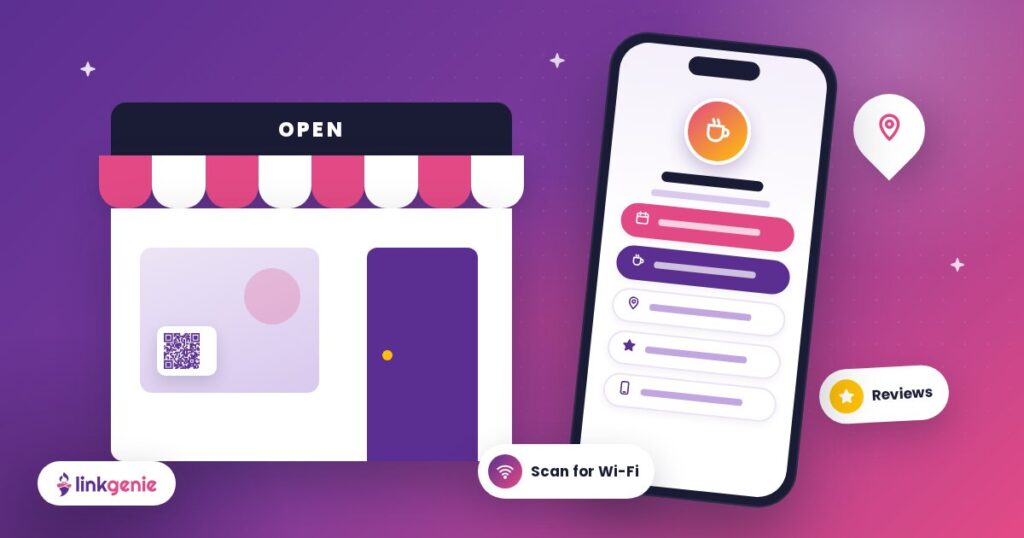
Your Shop, One Tap Away: Link in Bio for Small Businesses
Menu, booking, directions, reviews and socials in one link. How local businesses can use a LinkGenie…
Making a Great First Impression
Visitors decide in seconds whether to stay on your link in bio. Here is how to…
One Link, Every Platform: A Creator’s Guide to Link in Bio
Turn scrollers into fans. How creators can use one LinkGenie page as a home base for…