

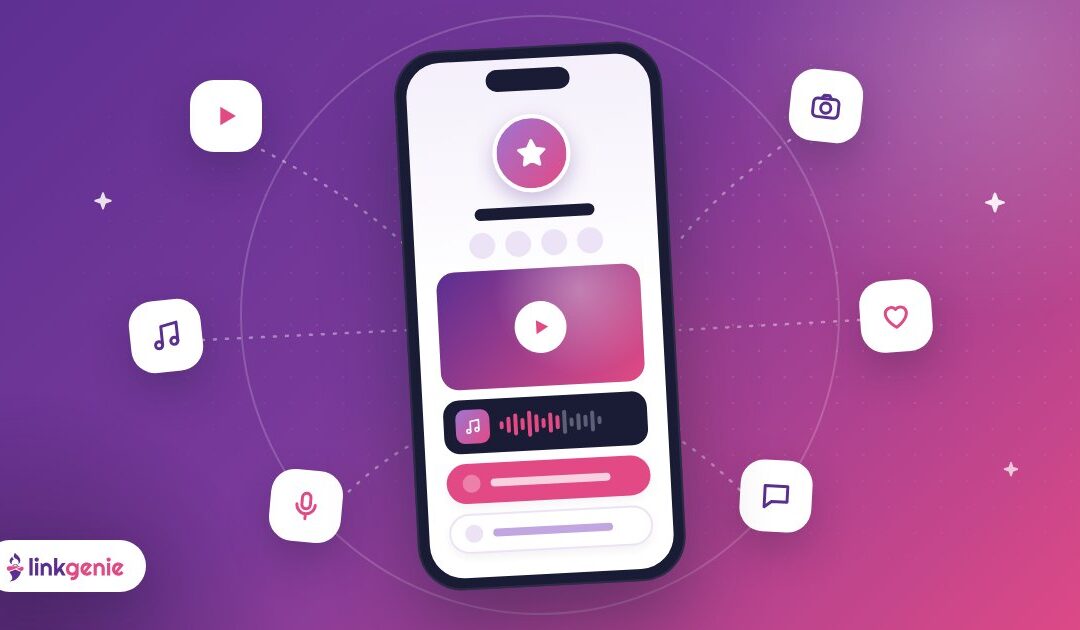
You post on Instagram, cut clips for TikTok, upload to YouTube, release music on Spotify and maybe run a newsletter too. Every platform gives you exactly one place to put a link. So where do you send people?
To one page that holds all of it. For creators, a link-in-bio page isn't just a list of URLs. It's the hub that turns casual scrollers into real fans, subscribers and customers. Here's how to build one that grows with you.
Think of your link as your home base
Social platforms are rented land. Algorithms change, accounts get locked, trends move on. Your LinkGenie page is the one place you control, and the place every platform can point back to.
That means it should do three jobs:
- Introduce you to people who just discovered you.
- Route them to the content they will love most.
- Capture the relationship so you can reach them again, wherever the algorithm goes next.
Start with your hero content
Lead with the thing you most want new fans to experience right now. That might be your latest video, your new single, a series you're proud of or your current collab.
LinkGenie lets you add YouTube, Vimeo and Spotify embeds right on your page, so visitors can watch or listen without bouncing to another app. One great embed near the top beats five plain links, because it shows people what you do in seconds.
Genie tip: Rotate your hero content whenever you launch something new. Your page should always feel like "what's happening now," not last year's highlight reel.
Organize links by what fans want
Creators often have a lot to share. The trick is ordering it the way your audience thinks.
Lead with "new"
Your latest release, episode or drop goes first. Fans who already follow you will look for it, and new visitors get the freshest example of your work.
Then "best of"
Next, link the content that best represents you: your most-loved video, your signature series or your top tutorial. This is how casual visitors become fans.
Then "go deeper"
Finally, give your biggest supporters more ways in: your newsletter, a community, your merch, your podcast, or the other platforms where you post.
Write labels that sell the click
"Watch: I tried 7 film cameras so you don't have to" earns more taps than "YouTube." Labels that describe the payoff tell people why they should care.
Make every platform point home
Use the same LinkGenie URL in every bio: Instagram, TikTok, YouTube, X, Twitch, Threads and anywhere else you post. When your audience always lands in the same place, three good things happen:
- Your brand looks consistent everywhere.
- You only update links in one spot.
- You can see, in one dashboard, which platform actually sends you visitors.
Mention your link out loud, too. "Everything I talked about is at the link in my bio" is a classic for a reason.
Turn visitors into a community
Followers belong to the platform. Subscribers and fans who choose to hear from you belong to you. Make it easy for people to stick around:
- Opt-in block: LinkGenie supports opt-in blocks, so visitors can join your list right from your page.
- Your best social channel: feature the one or two platforms where you're most active instead of listing all of them equally.
- A reason to come back: a weekly episode, a monthly drop, a recurring live show. Give people something to look forward to.
Plan your drops with scheduled links
Launching something on Friday? With link scheduling, you can set a link to appear when your launch goes live and expire when a limited offer ends, instead of setting an alarm to update your bio at midnight. It's perfect for premieres, presales, giveaways and limited-time merch.
Look the part
Your page should feel like your channel. Use custom colors and branding that match your thumbnails, your logo and your vibe. Keep text readable and let your content shine.
On LinkGenie PRO, you can unlock extras like custom backgrounds and the verified blue check, which helps fans know they've found the real you rather than a fan page or an impersonator.
Use data to grow, not to stress
Numbers are useful when they help you make your next decision. With LinkGenie analytics, you can see where visitors come from (referrers and UTMs), their countries and cities, and the devices and browsers they use, along with which links they tap.
A few questions worth asking once a month:
- Which platform sends the most visitors? That's where your link in bio is working hardest. Lean in there.
- Which links get ignored? Rename them, move them or retire them.
- Where is your audience? If a lot of visitors come from one country or city, that might shape your tour dates, your posting times or your next collab.
If you run ads, LinkGenie can also add tracking pixels for platforms such as Facebook, Google Analytics, Google Tag Manager, TikTok, Pinterest, Snapchat, LinkedIn, X and Quora, so you can reach engaged visitors again later.
Creator page mistakes to skip
- Linking everything equally. Twenty identical buttons means nothing stands out.
- Letting it go stale. A "new video" link from four months ago tells people you're not active.
- Hiding your newest work. Put it at the top where fans expect it.
- Ignoring mobile. Most people will open your page on a phone straight from an app. Preview it there every time you make a change.
Your creator page, quick checklist
- A clear photo and a bio that says what you make.
- One hero embed of your best current content.
- Links ordered: new, best of, go deeper.
- One URL used in every platform bio.
- An opt-in or a way to keep in touch.
- A monthly check of your analytics.
Grow from one link
You make the content. Your link makes it easy for people to find all of it, and to keep coming back. Build it once, keep it fresh, and let every platform send fans to the same home base.
Claim your free LinkGenie link and give your audience one place to find everything you create.
Keep reading
Making a Great First Impression
Visitors decide in seconds whether to stay on your link in bio. Here is how to…
Your Shop, One Tap Away: Link in Bio for Small Businesses
Menu, booking, directions, reviews and socials in one link. How local businesses can use a LinkGenie…
Read Your Stats: Using Link-in-Bio Analytics to Get More Clicks
Referrers, UTMs, countries, devices and taps. A simple monthly routine for reading your LinkGenie analytics and…